NEW
Remote Controller
Description, specifications, what's in the box & FAQs
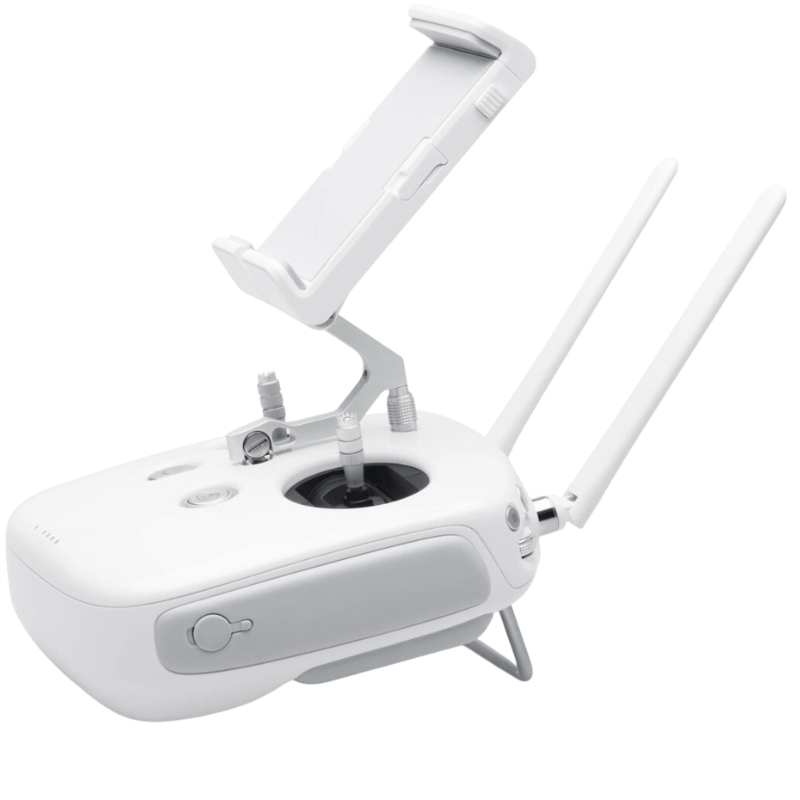
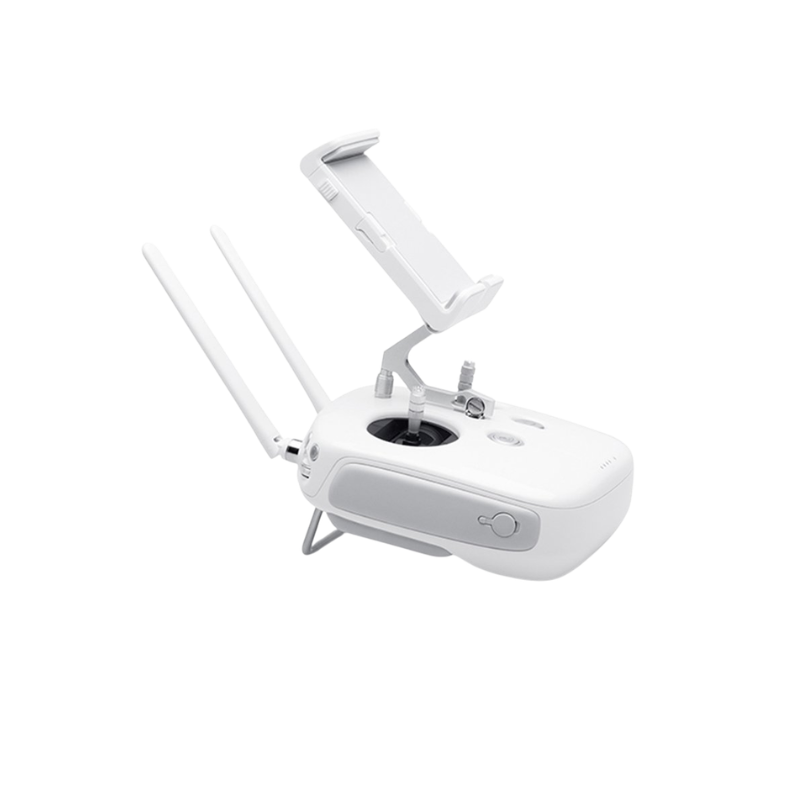
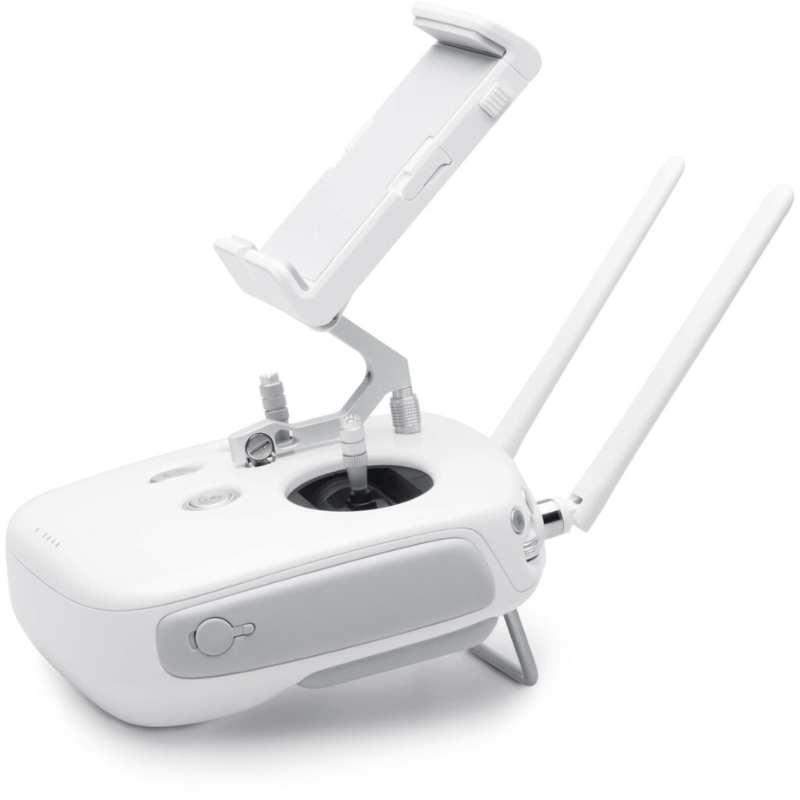
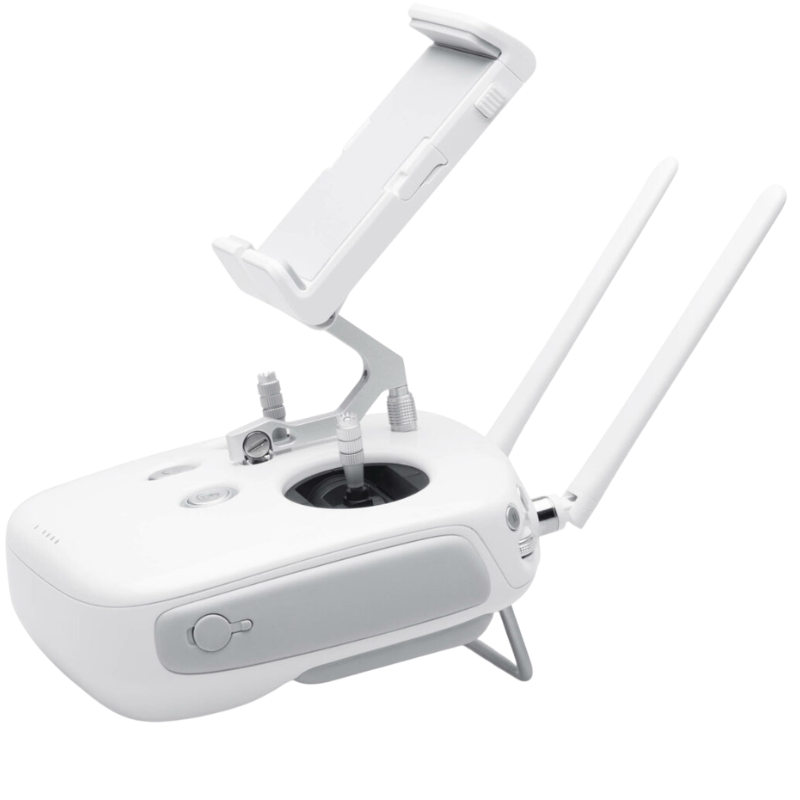
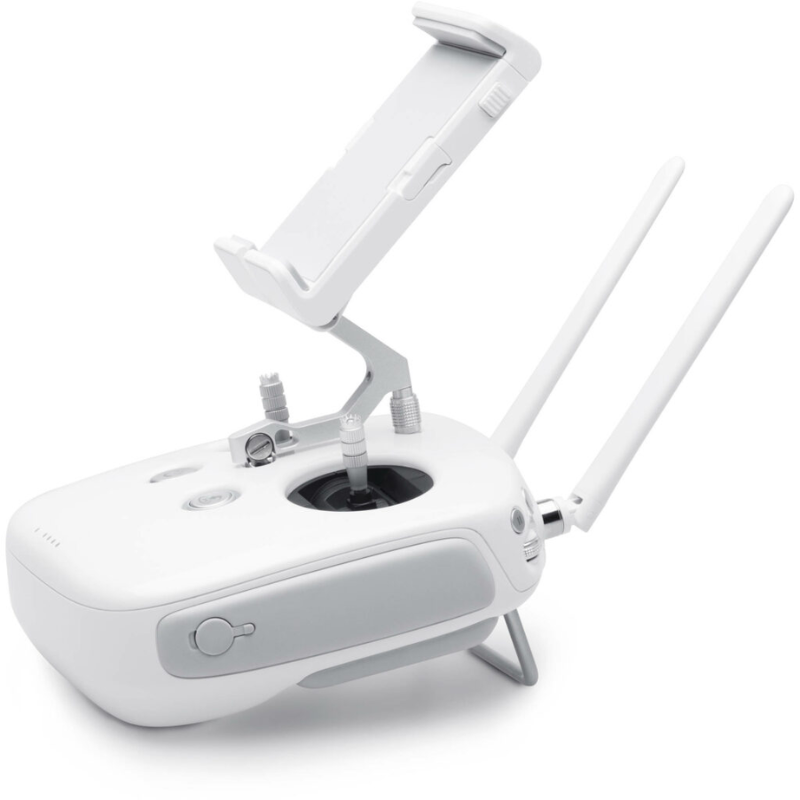
Control your Phantom 4 Pro quadcopter with this DJI Remote Controller. Lightbridge HD, which adds 5.8 GHz transmission support, allows pilots to use the less crowded frequency spectrum for more reliable control. In addition, the image received from the Phantom 4 Pro will be less prone to interference, and will be presented with less overall lag. In optimal conditions, the controller can transmit to and receive signals from a Phantom 4 Pro up to 4.3 miles away. This version of the controller has a clip for securing a compatible smartphone or tablet for controlling drone functionality.
Imagine watching your favorite movie, but every few minutes it freezes – irritating, right? Now imagine flying your Phantom 4 Pro with crystal-clear live video streamed straight to your device, up to a whopping 7 km away! Thanks to the Lightbridge HD transmission, this controller beams a sharp, stable, and smooth video signal so good, even your nosy neighbor would be impressed. No more lag, glitches, or sudden “No Signal” warnings – just smooth sailing (or flying) all the way!
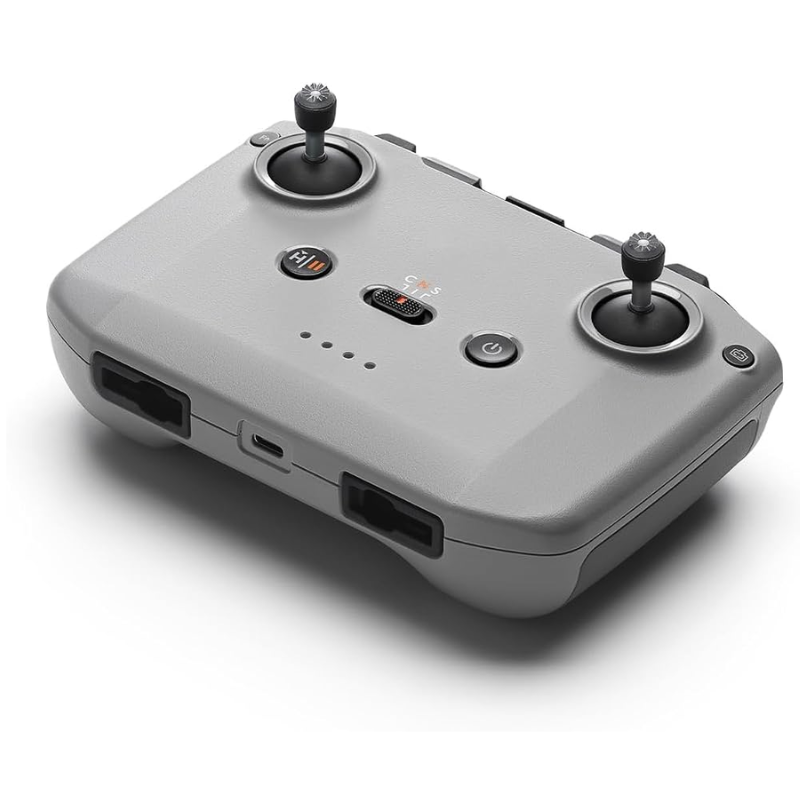
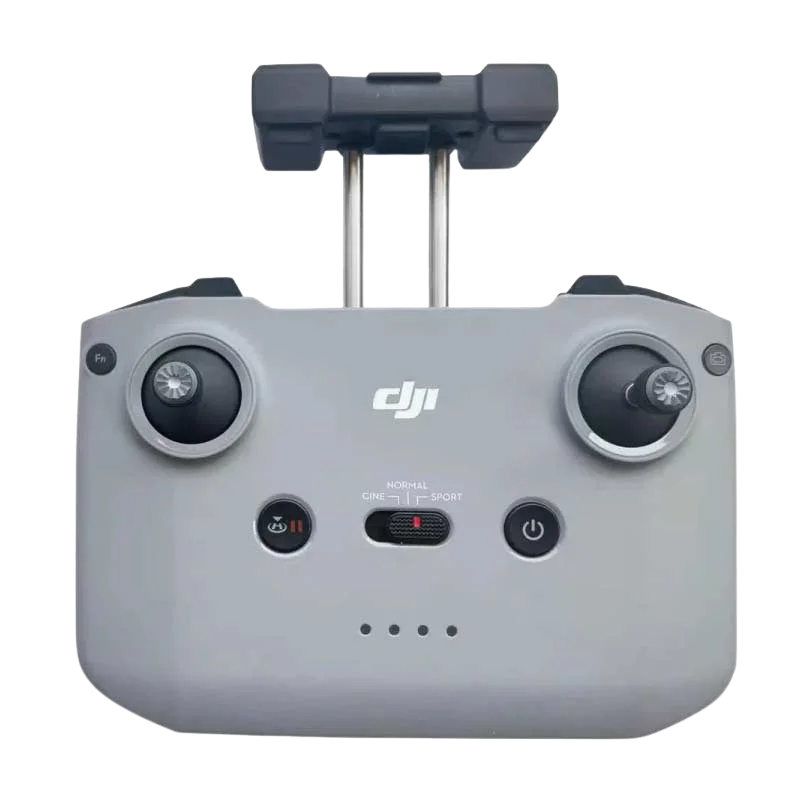
Ever tried holding a brick for an hour? Yeah, this isn’t that. The DJI Remote Controller for Phantom 4 Pro comes with an ergonomic, well-balanced design that feels natural in your hands. The grip is so comfy you’ll want to hold it even when you’re not flying (but we suggest you don’t walk around like that in public!). It’s lightweight, sleek, and gives you full control without feeling like you’re fighting your own thumbs.
These joysticks are not just sticks – they are precision tools crafted to follow your every command like a loyal puppy. Tilt left, right, up, down, or spin your Phantom 4 Pro around like you’re directing traffic in the sky. Whether you’re performing slow cinematic shots or zipping around obstacles, the sticks make every move buttery smooth. It’s like playing a video game, but you’re the one creating real-life aerial art!
Why waste time digging through menus when you can assign your favorite actions to custom buttons? The Phantom 4 Pro remote lets you set up shortcuts for common tasks like snapping photos, changing camera angles, or triggering Return-To-Home mode faster than your mom can say “beta, dinner’s ready.” It’s like having cheat codes, but legit and built-in!
We’ve all experienced that mini heart attack when our phone slips out of a wobbly mount. But don’t worry – this controller’s phone holder locks your device down tighter than a dosa on a non-stick pan! No shaking, no sudden drops, just a secure fit for your smartphone or tablet while you focus on what matters: flying like a boss. And yes, it can handle larger devices too, so bring that phablet if you want!
The DJI Remote Controller for Phantom 4 Pro is not just another remote – it’s your co-pilot, your aerial sidekick, and your ticket to stress-free, professional flying. So why settle for anything less? Grab this controller, lock in your device, and make every flight smoother, safer, and way more fun!
| Specification | Details |
|---|---|
| Product Name | DJI Remote Controller for Phantom 4 Pro |
| Compatible Models | DJI Phantom 4 Pro, DJI Phantom 4 Pro V2.0 |
| Transmission System | DJI OcuSync & Lightbridge HD system |
| Operating Frequencies | Dual-band: 2.4 GHz and 5.8 GHz |
| Max Transmission Distance | Up to 7 km (FCC), up to 4 km (CE) |
| Battery Type | Built-in lithium-ion rechargeable battery |
| Battery Capacity | 6000 mAh |
| Max Operating Time | Up to 5 hours |
| Charging Time | Around 3 hours |
| Charging Method | DC port, 17.4 V charger |
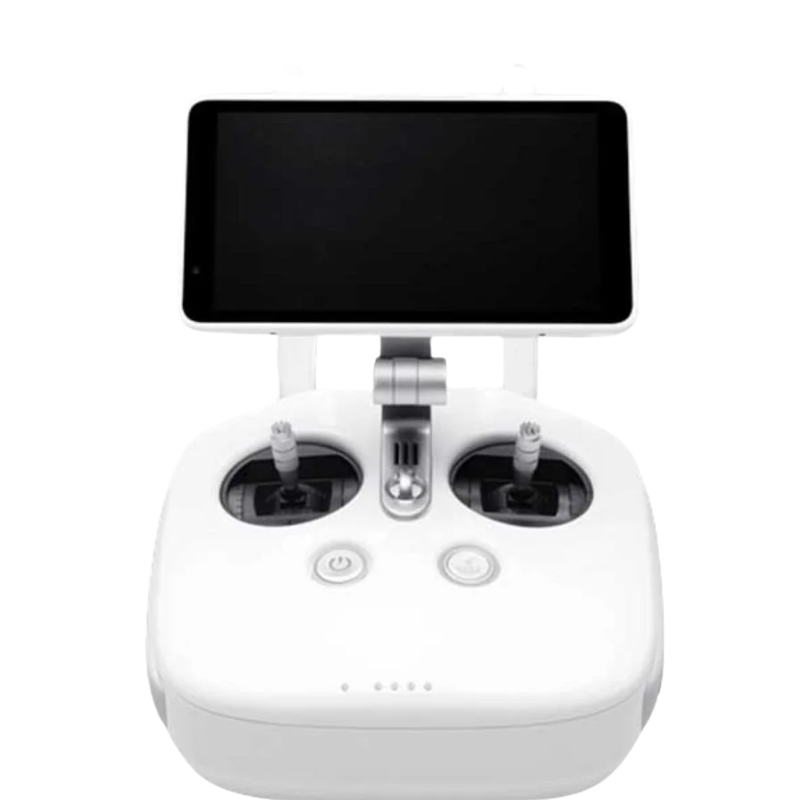
| Built-in Display | No (use with external phone/tablet or CrystalSky monitor) |
| Control Sticks | Removable, smooth tension adjustment |
| Weight | Approx. 1000 grams |
| Ports | USB-A, HDMI output, Micro USB, Micro SD card slot |
| Operating Temperature Range | 0°C to 40°C (32°F to 104°F) |
| Other Features | Customizable buttons, dedicated Return-to-Home and Pause buttons |
No customer reviews yet. Be the first to review this product.
More Remote Controller products you may like
We are here to help you with any question.