Drone Part
Full specifications, what's in the box & FAQs
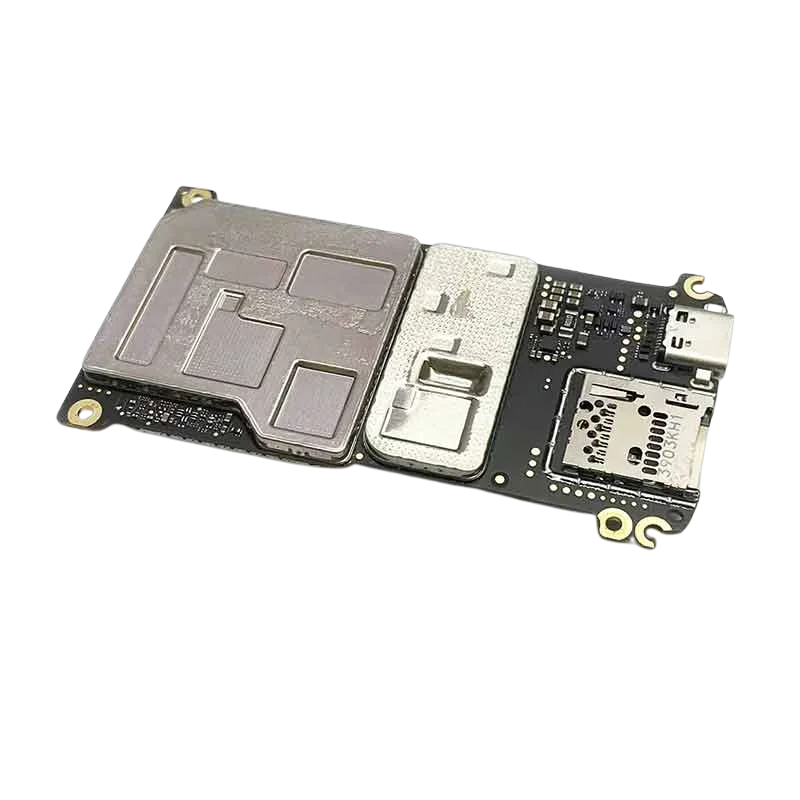
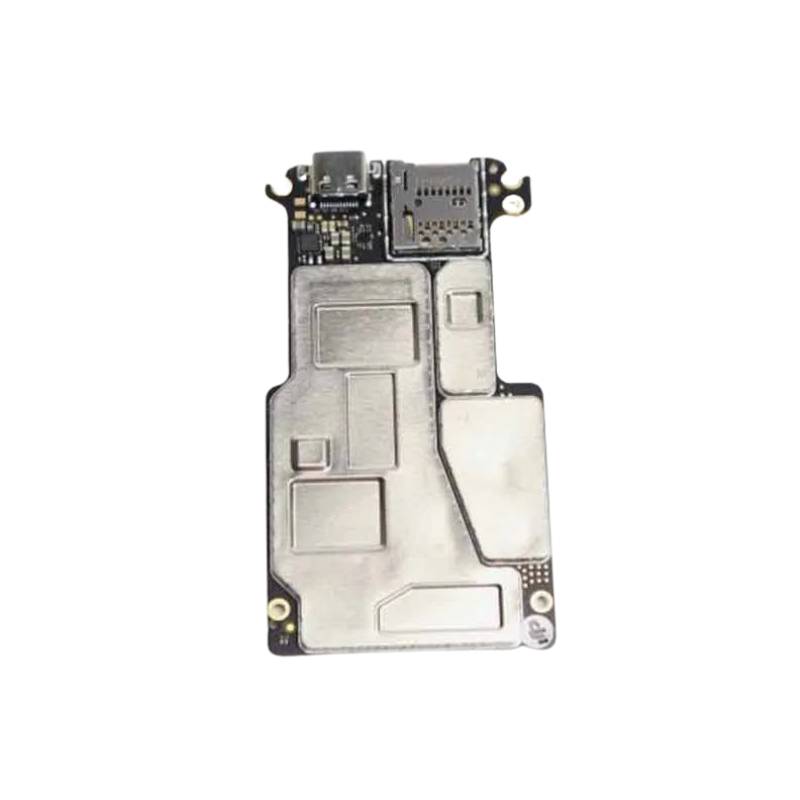
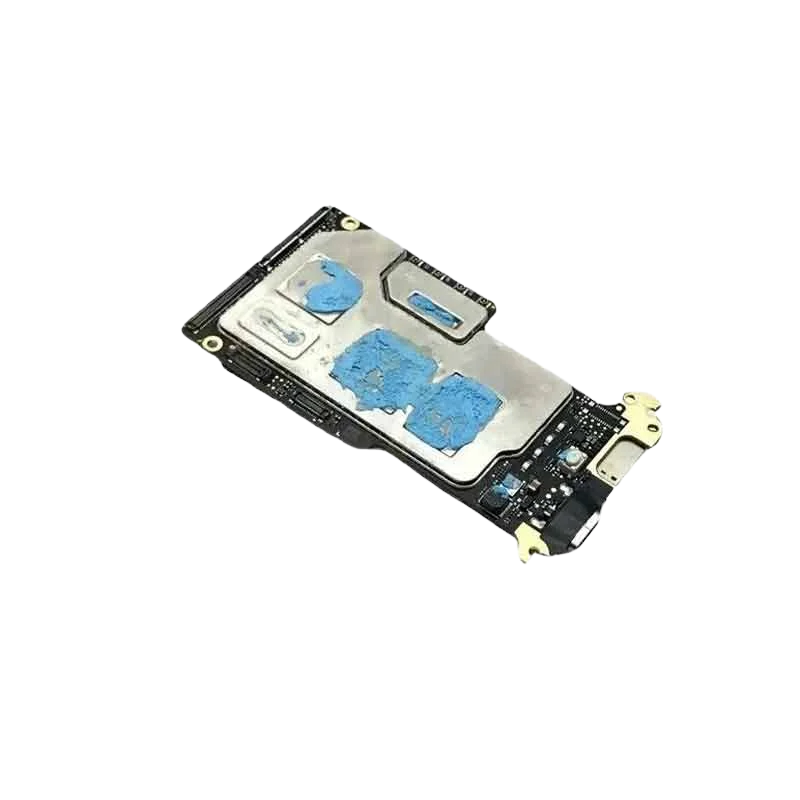
When your DJI Mini 3 Pro suddenly refuses to wake up, acts weird mid-air, or completely gives up on charging, the problem isn’t in the arms or the motors—it’s usually hiding in the motherboard. Meet the Mini 3 Pro Motherboard, the central control unit that makes your drone think, fly, react, and record all those jaw-dropping shots. It’s the brain, the heart, the command center—basically, everything except the propellers. Whether you’ve suffered a water landing, a power surge, or an unfortunate drop from the sky, this motherboard brings your drone back to life, one clean circuit at a time.
This motherboard is not a random chip pulled from a broken toaster—it’s engineered specifically for the Mini 3 Pro. It fits perfectly inside the drone’s body, matches all connectors, and speaks the exact language of your drone’s camera, GPS, motors, and battery system. No guesswork, no wire matching, just a straight-up replacement that clicks into place and gets your drone thinking again.
The motherboard is responsible for keeping all systems alive and talking to each other. From gimbal signals to video feed, GPS locking to battery management—everything goes through it. If your drone won’t turn on, doesn’t charge, or can’t connect to the app, this little board is likely the one needing a fresh start. Replace it and watch your Mini 3 Pro spring back to life with full functionality.
This isn’t a fragile piece of plastic—it’s a high-grade circuit board built to survive vibration, heat, moisture, and minor shocks. Made with durable PCB materials and tested under aerial stress, it’s ready for your sky-high adventures. Whether you’re filming beaches or mountains, this board doesn’t flinch and keeps your drone’s internals humming in harmony.
No need to solder like Tony Stark. This board comes with factory-fitted connectors that match your drone’s internal wiring. Still, installation is delicate work—open the shell carefully, disconnect the damaged board, slot in the new one, and reconnect everything in the right order. If you’ve ever fixed a smartphone, this won’t feel too scary—but patience is your best friend.
If your drone shows no lights, no buzz, no response even after a full charge, chances are your motherboard took the hit. This replacement part is the ultimate fix. Instead of tossing your drone aside or buying a new one, just swap this board and bring it back from the grave—ready to fly like it never had a breakdown.
Do’s:
Don’ts:
The Mini 3 Pro Motherboard is the beating heart of your drone—without it, nothing works. If you’ve lost flight controls, camera feed, charging, or basic response, this replacement brings back everything your drone needs to perform like new. Engineered for exact compatibility, easy installation, and full recovery, this is the fix that saves you from buying a new drone.
Give your DJI Mini 3 Pro a second life—order the motherboard now and get back to the skies with full confidence.
| Specifications | Details |
|---|---|
| Product Name | Mini 3 Pro Motherboard |
| Compatibility | DJI Mini 3 Pro Drone |
| Product Type | Central Flight Controller / Mainboard PCB |
| Function | Controls all core drone systems including GPS, ESCs, IMU, and signals |
| Material | High-density Multi-layer Printed Circuit Board |
| Integrated Components | Processor, IMU sensors, GPS module, barometer, power management system |
| Firmware Support | Supports official DJI firmware updates |
| Mounting Points | Pre-aligned screw holes and connector ports for plug-and-play parts |
| Power Distribution | Built-in circuitry for battery and motor voltage regulation |
| Installation | Advanced level – requires full drone disassembly and precision tools |
| Use Case | Replacement for damaged, burnt, or non-functional flight boards |
| Packaging | 1 x Mini 3 Pro Motherboard in anti-static, shockproof packaging |
| Weight | 0.2 g |
| Dimensions | 15 x 15 x 5 cm |
No customer reviews yet. Be the first to review this product.
We are here to help you with any question.