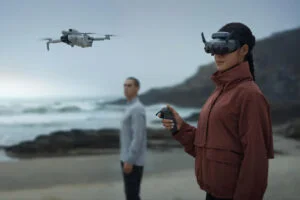
DJI RC Motion 3: A Revolutionary Motion-Based Drone Controller for Immersive Flight
If you’ve ever watched a drone soar through the sky and thought, “Wow, that looks cool, but I want to control it with the finesse of a seasoned pilot,” well, your wish just came true. Meet the DJI RC Motion 3, the motion controller that doesn’t just help you fly your drone—it transforms you into an air wizard, effortlessly controlling your craft with nothing but a flick of your wrist.
This isn’t some glorified joystick that you’re going to have to fight with. No, no. The RC Motion 3 is a state-of-the-art, super-responsive, user-friendly device that’ll make you feel like you’ve just jumped into a high-tech cockpit… but without the need for a pilot’s license, flight school, or an uncomfortable uniform.
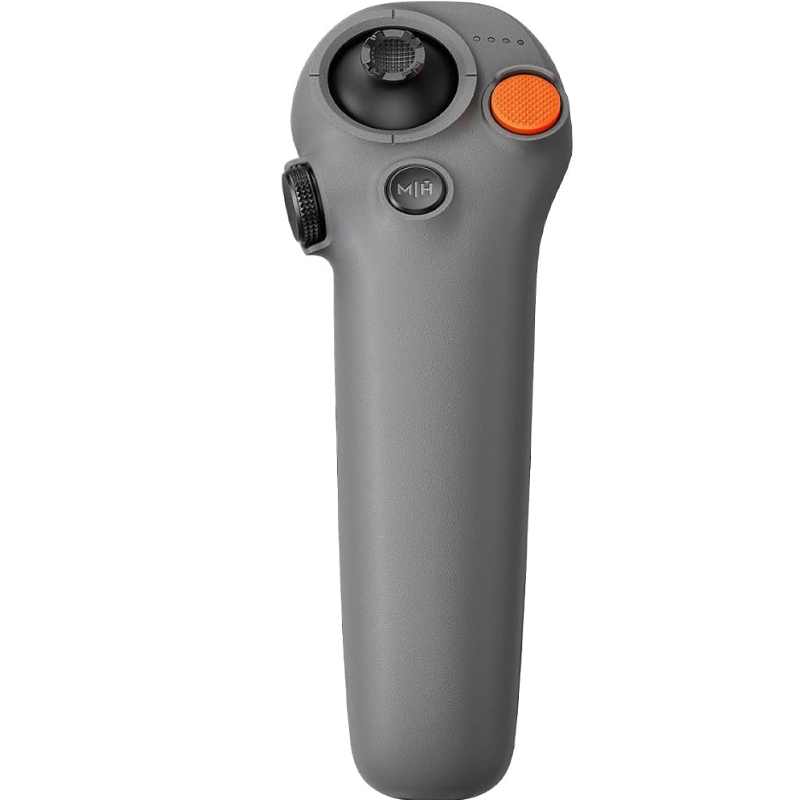
2. Emergency Brake Button – Because Life Happens
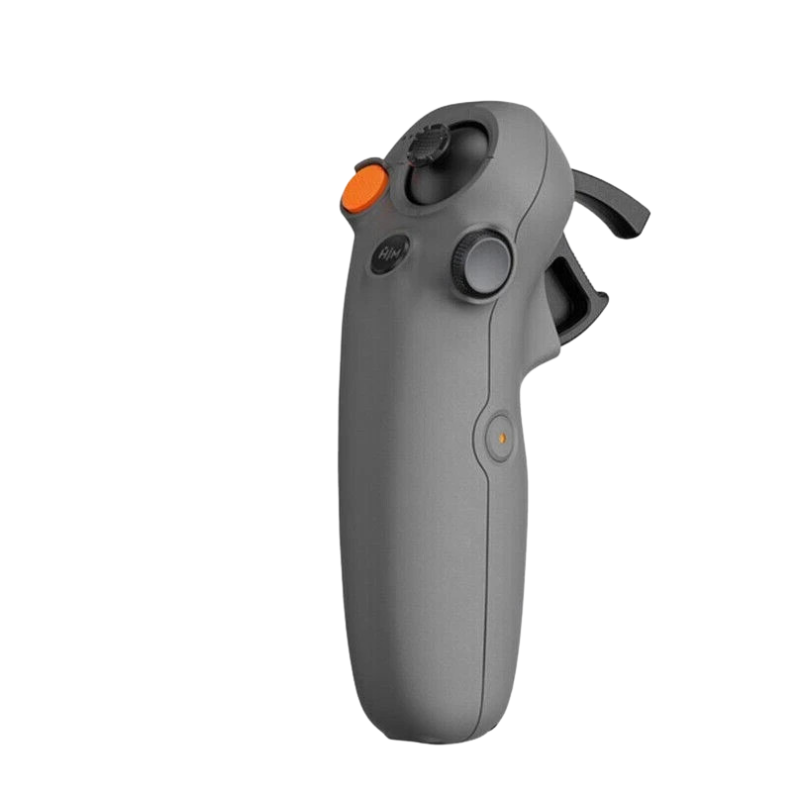
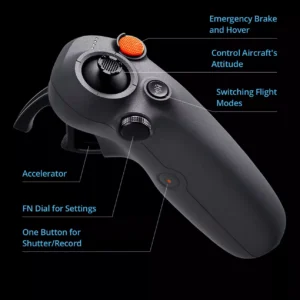
We all know life has a funny way of throwing curveballs. One minute you’re flying like a pro, the next minute you’re desperately trying to avoid a tree or a power line. That’s where the emergency brake button comes in. One press and your drone will come to a complete stop in mid-air. It’s like hitting the brakes in your car but, you know, without the screeching tires.
Now you can breathe easy knowing that even if you accidentally fly your drone into an oncoming traffic of birds, you can just hit the brakes and avoid disaster. Crisis averted.
3. Tilt for Turns – It’s Like Leaning into a Curve
You know how when you’re on a bike, you lean into a turn and suddenly you’re cruising like you’ve done it a million times? Well, that’s how the tilt feature works. Instead of fiddling with a tiny joystick, you just tilt your wrist to make your drone turn. It’s smooth, intuitive, and shockingly satisfying. Just think: your wrist does the work, and you look like a professional drone racer. But again, no need for the fancy helmet or racing suit—unless you want to look extra cool, of course.
4. Compatibility That Makes Everything Easier
If you’ve got a DJI Avata or an FPV drone lying around, then congratulations, you’re in luck. The RC Motion 3 is designed to work seamlessly with both, meaning no extra setup or complicated steps are required to get flying. Just turn it on, sync it up, and you’re ready to go.
The low-latency control system ensures that every movement you make is reflected in real-time, meaning your drone doesn’t have time to question your decisions—it just obeys. It’s like having an incredibly obedient pet, except this one flies, takes stunning aerial shots, and doesn’t need to be walked.
How to Use the DJI RC Motion 3
1. Charge It Like You Mean Business
Before you start waving this futuristic remote like a lightsaber, plug it in and charge it fully. The LED indicators will light up to tell you when it’s full of energy – ready to help you conquer the skies. Don’t skip this step or you’ll be out there with a dead controller, waving it around like you’re casting a spell, wondering why nothing’s happening!
2. Strap It On – Pilot Style!
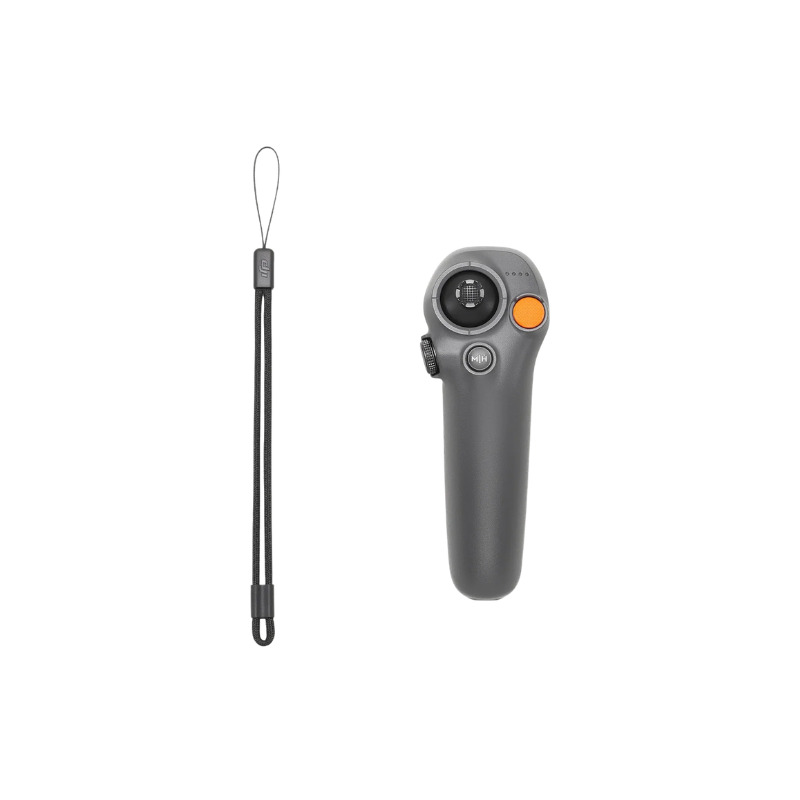
Your DJI RC Motion 3 comes with a handy wrist strap. Wear it like you’re gearing up for a secret mission. This strap isn’t just for show – it saves your controller from flying out of your hand when you get too excited and start swinging it around like Thor’s hammer! So, buckle up and get ready to steer your drone like a real pro.
3. Connect It to Your DJI Goggles – The Ultimate Pairing
Now, power on your DJI Goggles and RC Motion 3 and pair them together. It’s like introducing two best friends who instantly click. Follow the simple pairing process, and soon your goggles and controller will be talking to each other better than most humans at a family dinner! Once paired, you’re ready for an out-of-this-world FPV experience.
4. Practice the Moves – Wrist Gym Time
The Motion 3 works with your wrist movements. Tilt left, tilt right, twist, and flick – just like gaming but way cooler because now you’re controlling a flying machine! Take a few minutes to practice the movements so you don’t end up spinning your drone in circles like a lost UFO. Smooth, gentle motions are the key to flying like a champ.
5. Hit That Trigger – Time to Zoom
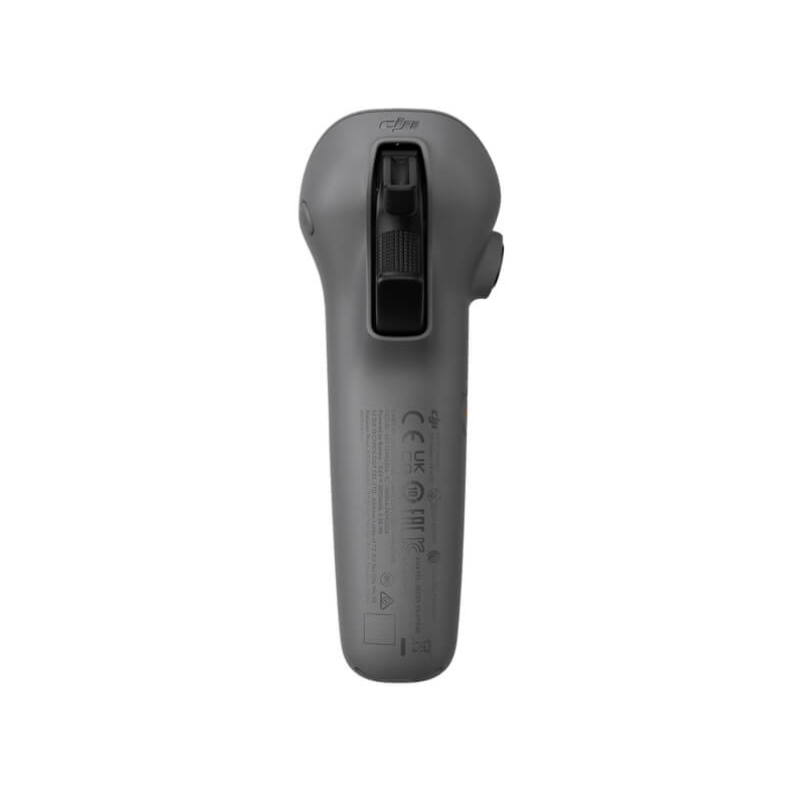
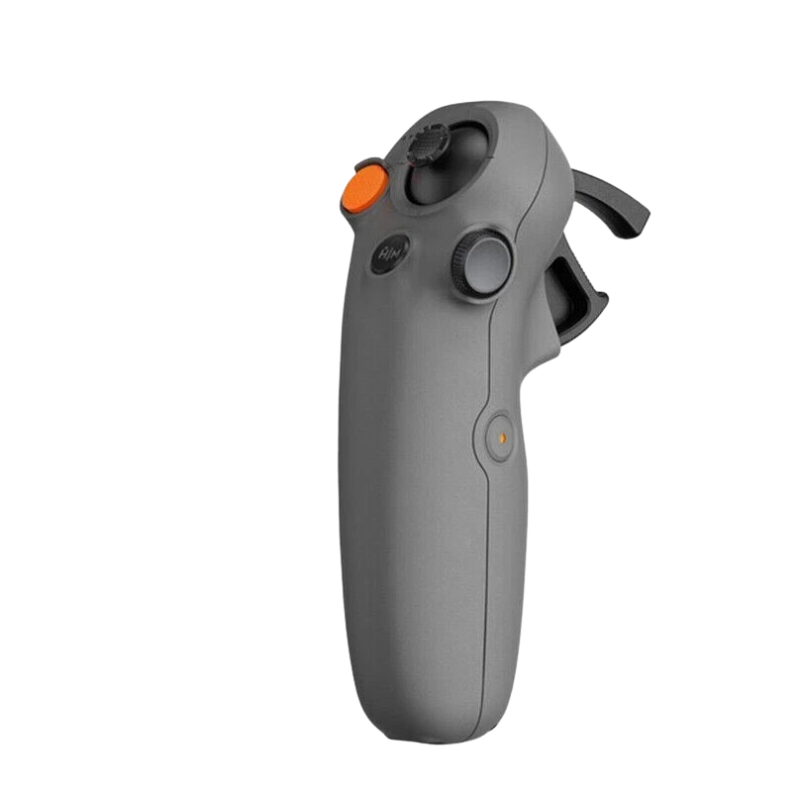
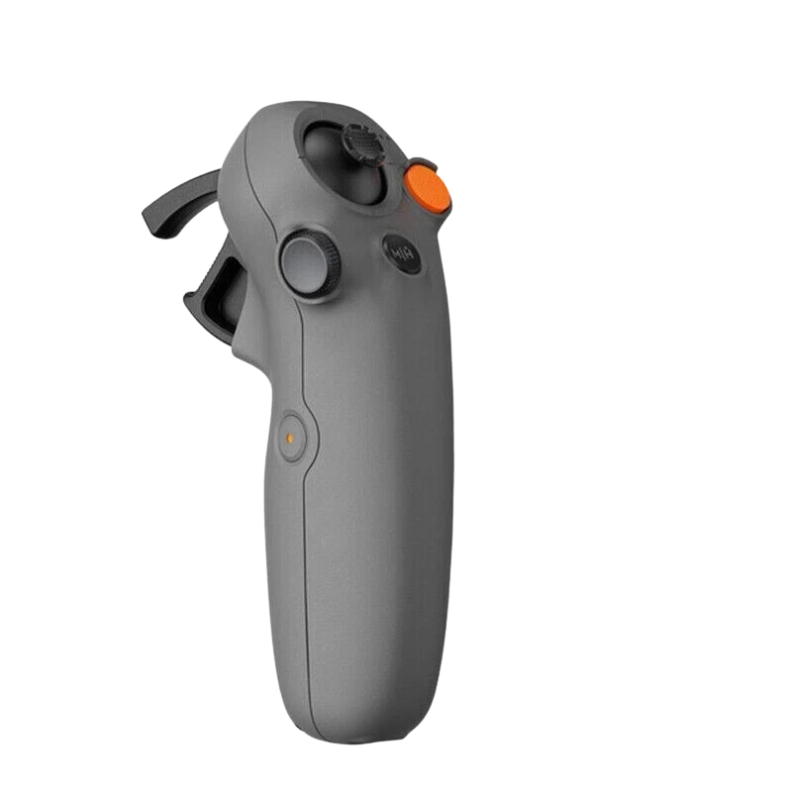
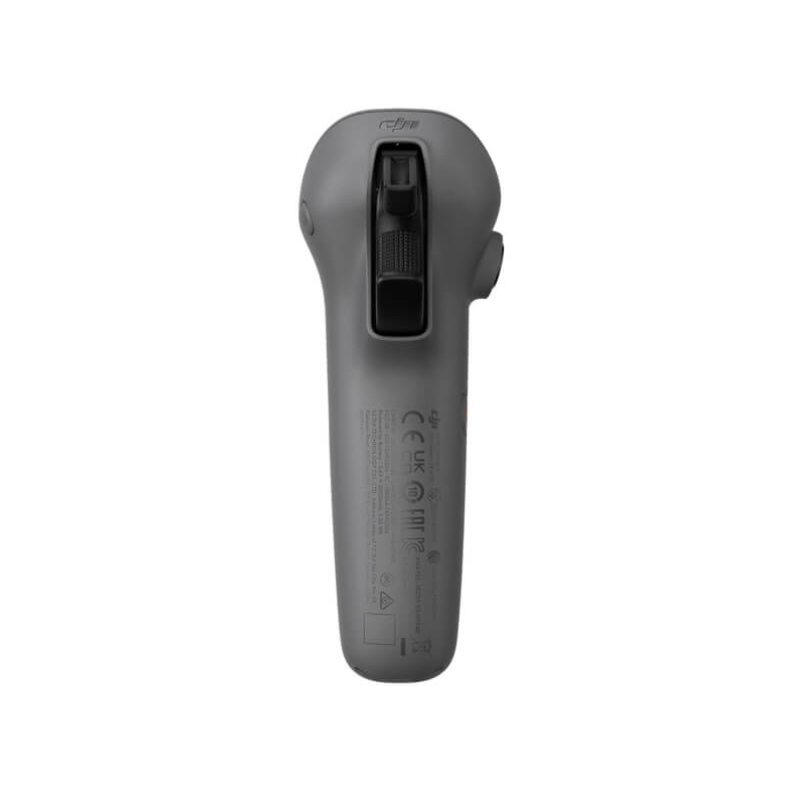
Use the trigger to make your drone fly forward like it’s chasing an action scene. The more you pull, the faster you go. Release it to slow down, just like easing off the accelerator in a car. Once you master this, you’ll be zipping around the skies like you’re part of a Hollywood drone racing league – sunglasses optional but highly recommended!
How to Take Care of Your DJI RC Motion 3
1. Don’t Toss It Like a Boomerang
Yes, it looks sleek and aerodynamic, but no, it’s not meant for throwing competitions. Always place it gently on soft surfaces or inside its case. If you toss it around like a boomerang, it might come back – but in pieces! Treat it like your favorite gaming controller – with love, care, and zero WWE moves.
2. Avoid Water – It’s a Motion Controller, Not a Submarine
Your RC Motion 3 does NOT like water. It’s a flying companion, not a deep-sea explorer. Keep it far away from pools, puddles, rain, and chai spills. One accidental splash and your controller will retire faster than a cricketer after one bad season. So, keep it dry and happy!
3. Clean It Like a VIP Remote
It’s going to be in your hands A LOT, so naturally, it will pick up sweat, dirt, and crumbs from those secret snack breaks. Gently wipe it with a dry cloth and give it a nice polish like it’s your favorite remote. No need to go overboard – a light cleaning will keep it looking sharp and smooth, ready for your next adventure.
4. Respect the Battery – Don’t Keep It Plugged Forever
Charge it when needed but don’t treat it like it’s living permanently on life support. Once charged, unplug it and let it rest like a retired king. Overcharging weakens the battery and your Motion 3 needs its energy to give you the ultimate flight experience. Think of it like giving your buddy a proper nap instead of keeping him awake all night!
5. Store It Like It’s a Priceless Treasure
Your pet cat might think it’s a toy, and your kid might mistake it for a futuristic joystick. So, keep it in a safe, dust-free, and pet-free zone. A carrying case is the perfect bodyguard for your Motion 3, saving it from bumps, scratches, and curious hands. The better you store it, the longer it will keep making you feel like a sci-fi pilot!
Why the DJI RC Motion 3 Will Change Your Life
Let’s be real: drones are already cool. But with the DJI RC Motion 3, flying your drone becomes an experience. You’ll feel like a high-tech superhero, and you might even start to believe you’re secretly being filmed for a new action movie. Just imagine it: you, in full control, flying through forests, cityscapes, or even your backyard, all with a single motion.
This isn’t just about drone control; it’s about unlocking the fun, ease, and satisfaction of flying like never before. Whether you’re exploring, racing, or just getting creative with some aerial photography, the RC Motion 3 elevates every moment. And honestly, who wouldn’t want to feel like an epic drone pilot every time they take to the skies?
Final Verdict: It’s Time to Take Flight
The DJI RC Motion 3 isn’t just a tool—it’s an experience. It’s the perfect combination of simplicity and sophistication, making it the ultimate flying companion for anyone who wants to take control of the sky. So, strap in, pick up your RC Motion 3, and get ready for the adventure of a lifetime.
Who needs a flight school when you’ve got a motion controller this good? You’ve got this. And, most importantly, your drone will know you’ve got this.